The cloud versus on-premise decision represents one of the first—and most consequential—choices you’ll make in your ERP journey. Choose wrong and you could spend years dealing with infrastructure headaches, budget overruns or accessibility limitations that hold your business back.
Table of Contents
ToggleHere’s what makes this decision tricky: both deployment models work. Thousands of Australian retailers run successful operations on cloud ERP. Thousands more operate effectively with on-premise systems. The question isn’t which option is universally better, but which model aligns with your specific business requirements, technical capabilities and growth plans.
This guide provides an unbiased comparison of cloud and on-premise ERP for Australian retail SMBs. We’ll examine costs, capabilities, risks and real-world scenarios to help you make an informed decision. Spoiler: about 90% of Australian retail SMBs are better served by cloud deployment, but the remaining 10% have legitimate reasons for on-premise infrastructure.Many Australian retailers are moving toward custom ERP solutions for Australian SMBs as their operations grow.
For broader context on ERP’s impact on omnichannel retail performance, see our comprehensive guide.

Devinder Sareen is a Microsoft Dynamics 365 Business Central and LS Retail partner with 20+ years of ERP implementation experience across Australian retail, distribution and manufacturing.
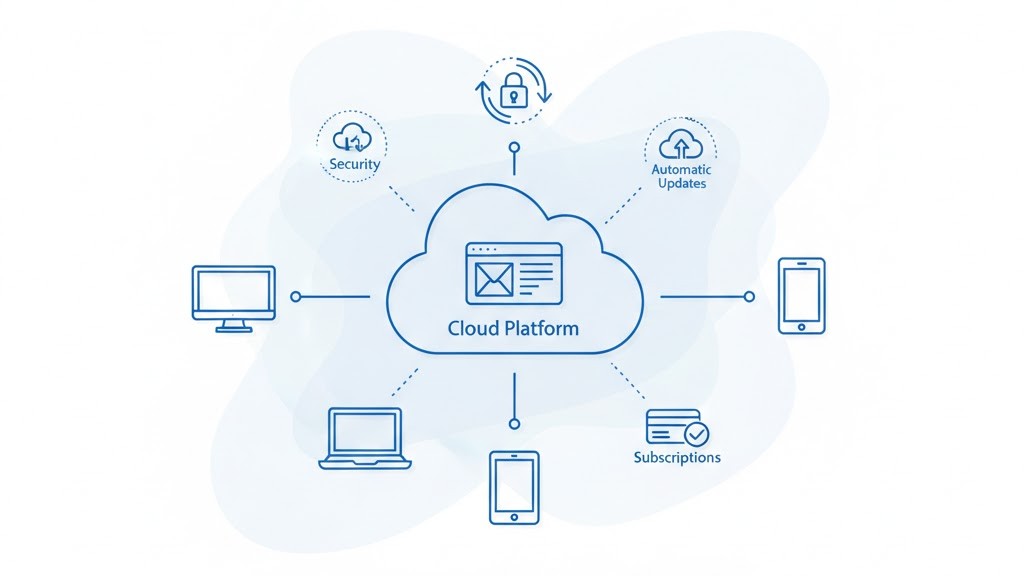
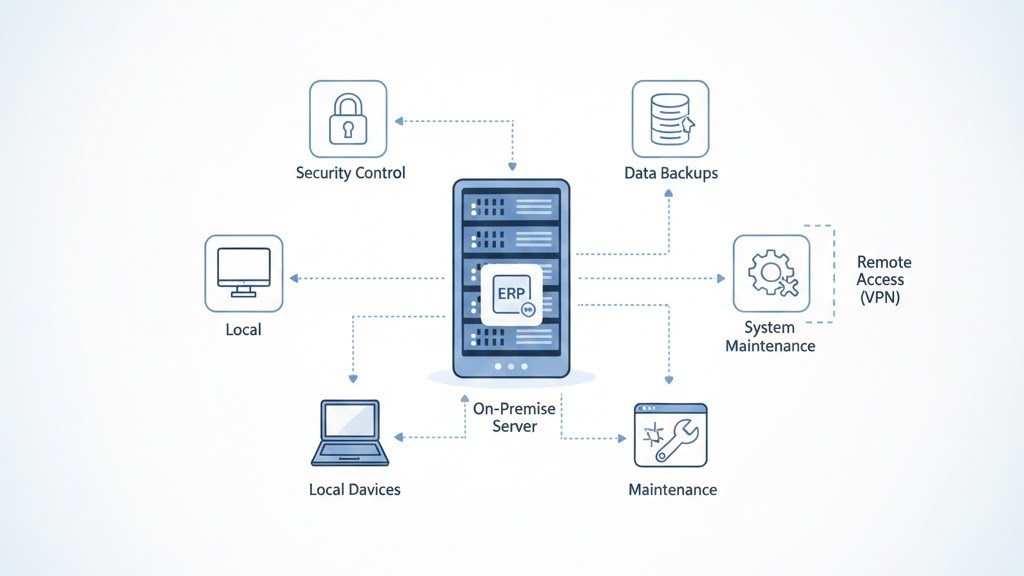
Before comparing costs and capabilities, let’s clarify what each deployment model actually means.
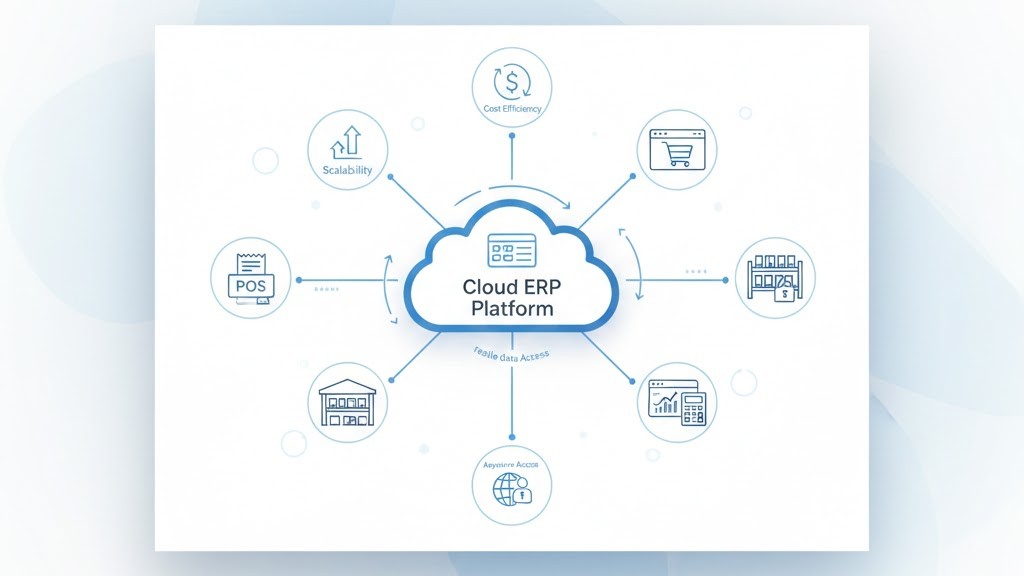
The financial barrier to entry for cloud ERP is dramatically lower. Instead of $50,000-$120,000 upfront for licenses and infrastructure, you start with subscription costs of $500-$2,000 monthly depending on user count.
Cash flow impact: Most retail SMBs prefer spreading costs over time rather than depleting working capital for a major system purchase. Cloud ERP preserves cash for inventory, marketing and growth initiatives.
Many retailers use LS Retail POS and ERP integration to connect their stores and back-office operations.
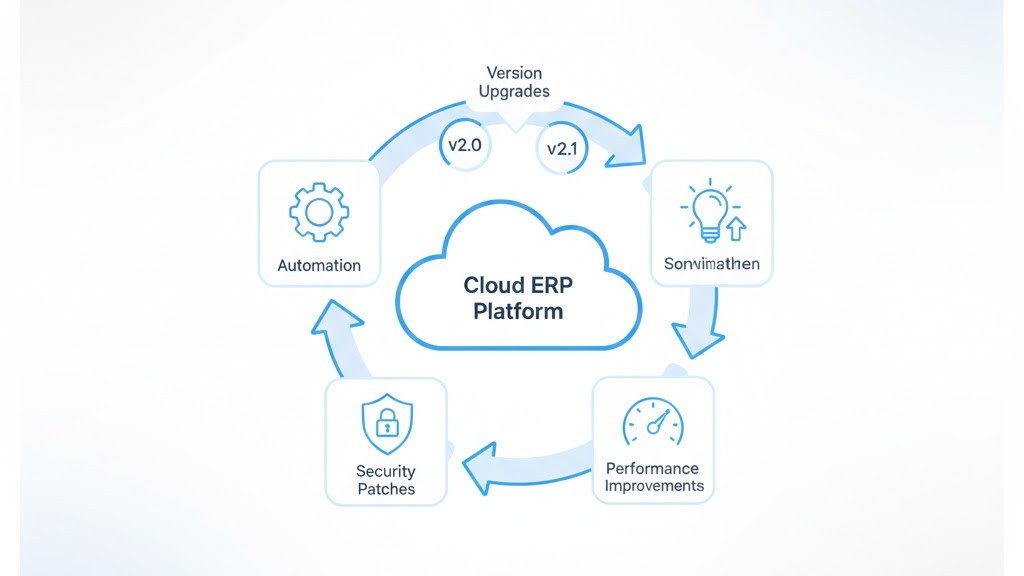
Cloud vendors release new features and security patches continuously. You benefit automatically without project planning, testing or downtime. On-premise systems require planned upgrade projects every 2-3 years at significant cost and disruption.
Example: When Microsoft releases new AI capabilities for Business Central, cloud users activate them immediately. On-premise users wait months for upgrade projects or run outdated versions indefinitely.
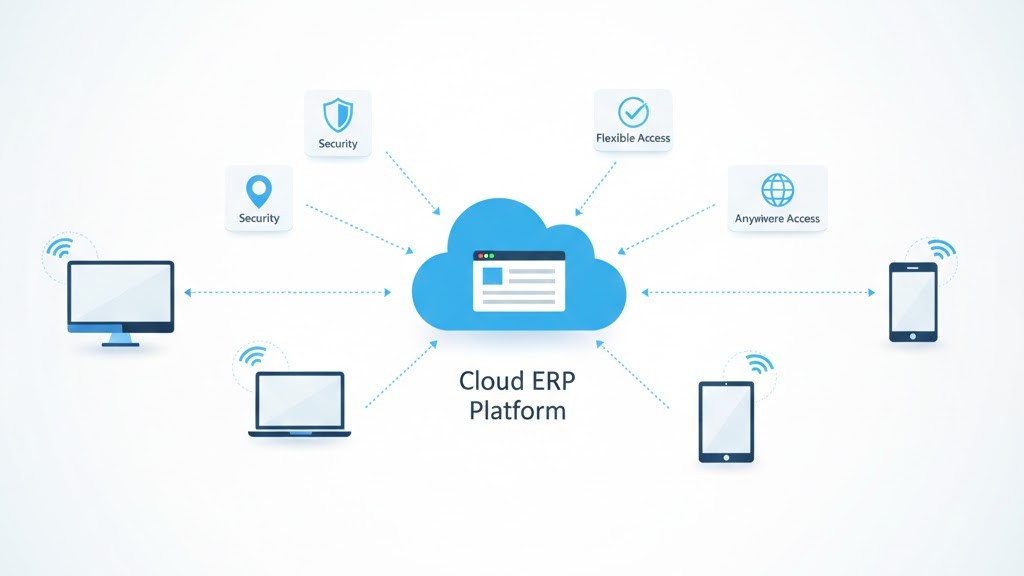
Retail requires flexibility. Store managers need inventory visibility from home. Buyers need approval capabilities while traveling. Executives need dashboards on mobile devices.
Cloud ERP delivers this naturally—access from any device, anywhere with internet. On-premise systems require VPN configuration, security protocols and IT support to enable remote access safely.
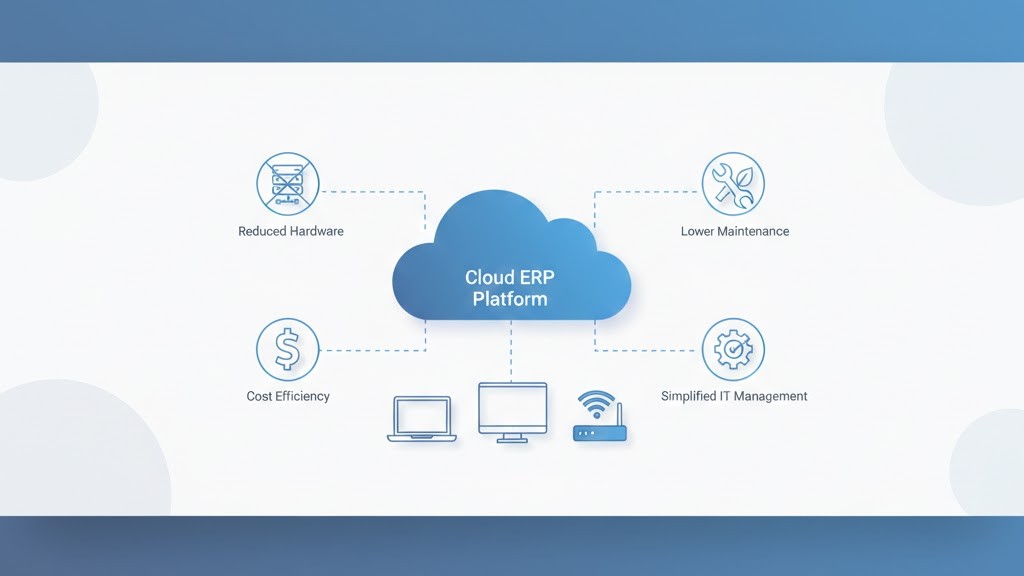
Cloud ERP eliminates server rooms, backup systems, disaster recovery planning and security management. For retail SMBs without dedicated IT staff, this removes enormous operational burden.
Reality check: Server maintenance, security patching and backup verification require ongoing expertise. Most retail SMBs lack in-house resources and rely on expensive IT contractors who may not prioritize their needs.
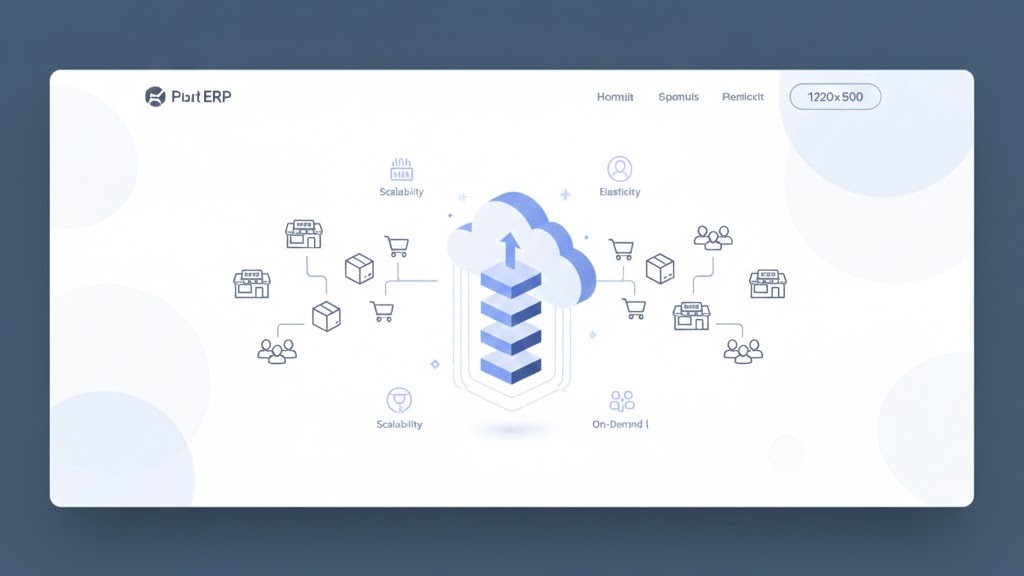
Adding users or locations with cloud ERP means updating your subscription. Adding capacity to on-premise systems means hardware purchases, installation and configuration—projects that take weeks and cost thousands.
When it comes to cloud ERP for Australian retail SMBs, Microsoft Dynamics 365 Business Central consistently leads the field. Here’s why Australian retailers choose it over alternatives:
Your data resides on servers you own and control. For retailers with stringent compliance requirements or concerns about vendor access, this provides peace of mind that cloud models can’t match.
However: Most Australian retail operations don’t face regulatory requirements mandating on-premise data storage. Standard cloud ERP contracts include strong privacy provisions and data sovereignty options (Australian data centers).
On-premise deployments allow deep customization to match unique business processes. Cloud platforms limit customization to protect upgrade paths and multi-tenant architecture.
Trade-off: Extensive customization creates technical debt. Each customization complicates future upgrades and increases dependency on original developers. Most retailers are better served adapting processes to ERP best practices.
On-premise systems operate during internet outages (assuming local network functions). For retailers in areas with unreliable connectivity, this provides operational continuity.
Context: Australian metropolitan areas generally have reliable internet. Regional retailers should evaluate local connectivity before dismissing cloud options, as many modern POS systems cache transactions during outages anyway.
Let’s compare actual costs for a typical scenario: 10-user retail business running Dynamics 365 Business Central.
| Cost Component | Cloud (5 Years) | On-Premise (5 Years) |
|---|---|---|
| Software Licenses | $90,000 | $75,000 |
| Implementation | $40,000 | $55,000 |
| Infrastructure | $0 | $35,000 |
| Annual Maintenance | Included | $75,000 |
| IT Support | $15,000 | $50,000 |
| Upgrades | Included | $40,000 |
| Total 5-Year Cost | $145,000 | $330,000 |
| Average Annual Cost | $29,000/year | $66,000/year |
Key insight: Cloud ERP costs 56% less over five years despite higher annual licensing. The savings come from eliminated infrastructure, reduced IT overhead and included upgrades.
Security concerns often drive retailers toward on-premise deployments, but this logic deserves scrutiny.
Australian data sovereignty: Major cloud vendors (Microsoft, Oracle) offer Australian data center options, keeping data within national borders for compliance requirements.
Retail businesses often require industry specific ERP for retail and manufacturing.
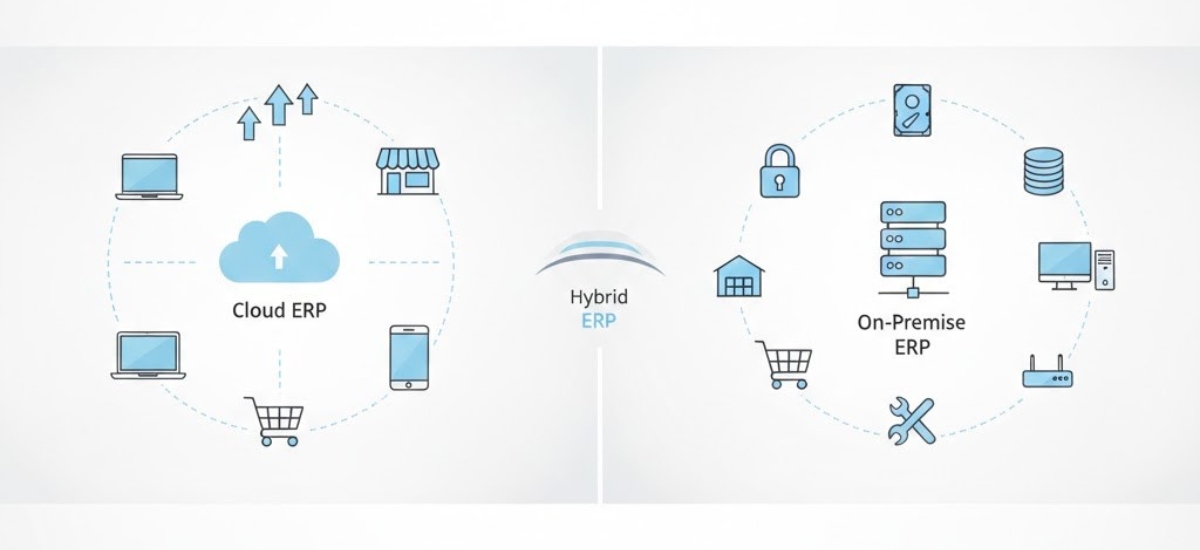
Some retailers implement hybrid approaches: cloud ERP for core functions with on-premise components for specialized needs. This provides cloud benefits while addressing specific on-premise requirements, though it increases complexity and cost.
For detailed guidance on key selection criteria for your ERP decision, including deployment considerations, review our comprehensive buyer’s guide.
| ERP System | Retail Fit | Australian Compliance | Approx. AUD/User/Month | SMB Best For |
|---|---|---|---|---|
| Business Central | ⭐⭐⭐⭐⭐ | Native GST/BAS/STP | $108–$160 | Retail + Distribution |
| + LS Retail POS | ⭐⭐⭐⭐⭐ | Full AU localisation | Additional licence | Omnichannel retail |
| NetSuite | ⭐⭐⭐⭐ | Good (add-on) | $200–$350 | Multi-entity/export |
| MYOB Acumatica | ⭐⭐⭐ | Strong AU focus | $150–$250 | Wholesale/Distrib. |
| SAP Business One | ⭐⭐⭐ | Available | $180–$300 | Manufacturing |
| Odoo | ⭐⭐⭐ | Community support | $50–$120 | Small budget |
Note: Pricing is indicative for 2026. Contact vendors for current quotes. Business Central pricing source: Microsoft Australia partner pricing, Q1 2026.
Deployment model impacts implementation timeline and complexity:
For detailed implementation planning, see our 90-day implementation roadmap designed specifically for Australian retailers.

For approximately 90% of Australian retail SMBs, cloud ERP represents the superior choice. Lower total cost, reduced complexity, automatic updates and superior accessibility outweigh the control benefits of on-premise deployment.
The remaining 10% have legitimate on-premise requirements: strict regulatory mandates, extensive customization needs or unreliable connectivity. Even these businesses should evaluate hybrid approaches before committing fully to on-premise infrastructure.
If you are still evaluating options, our guide on the best ERP for small business Australia can help.
The decision ultimately depends on your specific circumstances. Work Made Simple (WMS) helps Australian retailers evaluate deployment options objectively and implement solutions aligned with their operational reality and growth plans. Our experience with both cloud and on-premise Dynamics 365 Business Central deployments ensures you receive unbiased guidance focused on your success, not vendor preference.
WMS IT is a certified Microsoft Dynamics 365 Business Central and LS Retail partner based in Australia. We specialise in helping retail and distribution SMBs select, implement and optimise ERP systems that match their specific business needs.
Our approach is straightforward:
Ready to make the cloud vs on-premise decision with confidence?
Yes, cloud ERP typically provides superior security compared to on-premise systems for SMBs. Major vendors invest millions in enterprise-grade security, maintain compliance certifications (SOC 2, ISO 27001), apply security patches automatically and operate 24/7 security monitoring—capabilities that most retail SMBs cannot match with internal IT resources.
For a typical 10-user retail business, cloud ERP costs approximately $145,000 over five years versus $330,000 for on-premise deployment—a 56% savings. Cloud eliminates infrastructure costs ($35k), reduces IT support needs ($35k savings), includes upgrades ($40k savings) and lowers maintenance costs ($75k savings).
Yes, migration from on-premise to cloud is possible but requires planning. The process involves data migration, integration reconfiguration and user retraining—essentially a mini-implementation project. Cost and timeline depend on customization extent and data volume. Most retailers complete migration in 4-8 weeks. Starting with cloud avoids this complexity.
Devinder Sareen is a Microsoft Dynamics 365 Business Central and LS Retail partner with 20+ years of ERP implementation experience across Australian retail, distribution and manufacturing.