
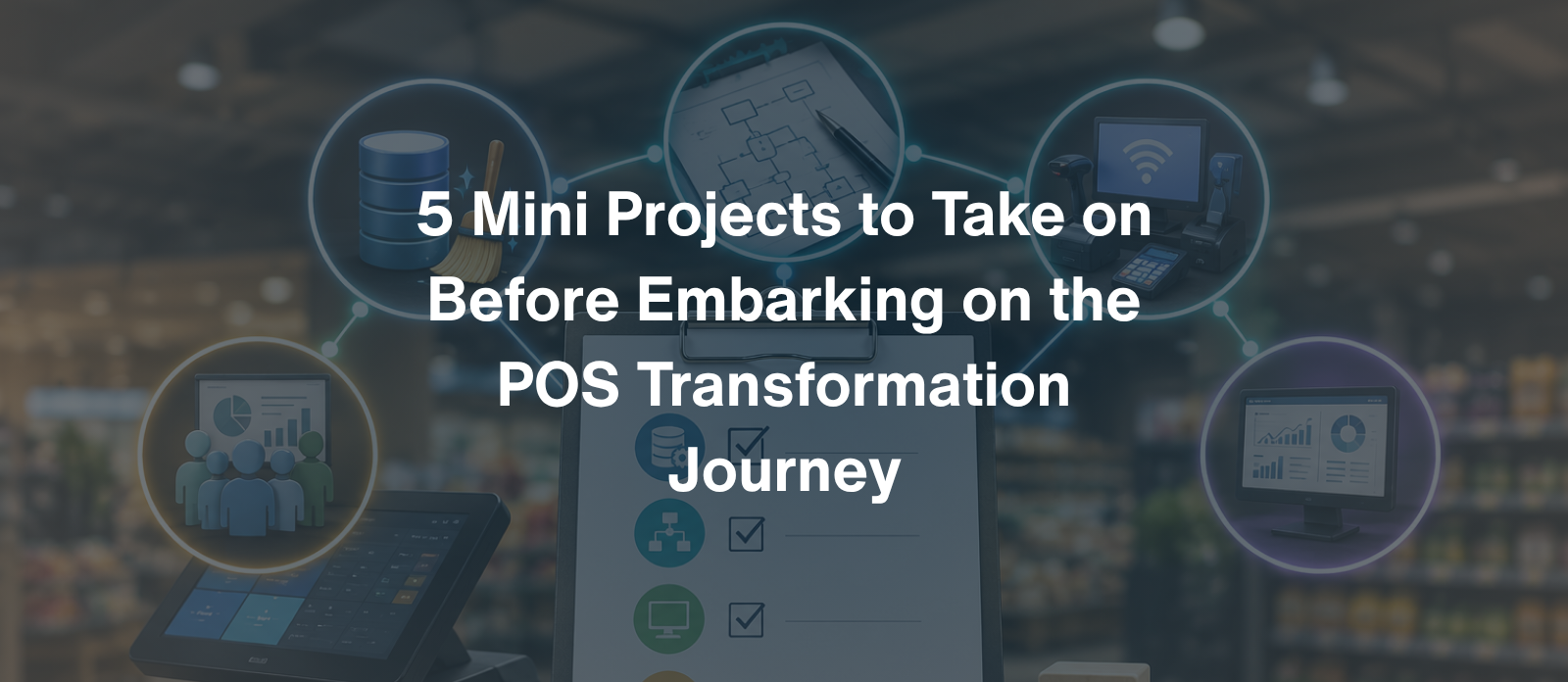
Before a retailer or supermarket chain signs off on a full-scale POS and ERP transformation, the smartest move isn’t jumping straight into implementation. It’s running a handful of tightly scoped mini projects that surface the messy realities hiding underneath daily operations. Skip these, and even the best-configured system inherits yesterday’s chaos in digital form.
A POS transformation is only as good as the data, processes and people feeding into it on day one. Rush live without doing the groundwork, and go-live has a habit of turning into a firefighting exercise instead of the milestone it was supposed to be. Think of these five mini projects as a dress rehearsal: cheap, low-risk and quietly revealing, long before the real curtain goes up.

Every legacy POS and back-office system accumulates data debt over the years, duplicate SKUs, inconsistent barcodes, outdated cost prices, item descriptions that only make sense to whoever typed them in a decade ago. This mini project means actually auditing the item master, customer master and vendor master, then deciding what gets migrated, what gets merged and what finally gets retired.
A supermarket chain with 20,000+ SKUs that skips this step often discovers, mid-migration, that half its “active” items haven’t sold in three years. That’s a costly surprise to find after go-live rather than before it.
Documenting how things actually work, not how the old training manual insists they should, is a small project with an outsized payoff. Walk the floor. Watch the checkout queue. Sit with the buyer for an afternoon and map every process from goods receipt through to shelf, sale and return.
This exercise almost always reveals that “the way we do things” varies more between stores than head office assumes, and it’s a much better discovery to make on paper than in production.
New POS and ERP platforms are only as reliable as the infrastructure sitting underneath them. A mini audit of every store’s hardware, network stability and peripheral compatibility heads off the classic go-live nightmare of registers freezing during peak footfall on a Saturday.
Supermarkets in particular, with weighing scales, self-checkout kiosks and multiple payment terminals per lane, have more moving parts than most retail formats, and more ways for a mismatched driver or firmware version to derail launch day.
Technology adoption fails more often because of human resistance than technical flaws. Running a small-scale training needs assessment before the main rollout helps identify who’s genuinely ready, who’s anxious about the change, and who’s quietly planning to keep using the old system on the side for as long as they can get away with it.
Retail turnover is high, and cashiers thrown into a new system without a safety net tend to slow down transaction times right when speed matters most, during launch week.
It’s remarkably common for a retailer to migrate systems and then realize, months later, that they can’t compare new performance data to old benchmarks, because nobody defined consistent KPIs before the switch. This mini project locks down what “success” actually looks like in numbers everyone agrees on.
Skip this, and the first board meeting after go-live risks becoming a debate about whose numbers are “right,” instead of a conversation about how the business is actually performing.
| Mini Project | Core Risk It Prevents | Best Owner |
|---|---|---|
| Master data cleanup | Corrupt or bloated data in new system | IT + Category managers |
| Process mapping | Misaligned workflows post-migration | Operations + Store managers |
| Hardware audit | Go-live day technical failures | IT infrastructure team |
| Change management | Staff resistance and slow adoption | HR + Training leads |
| KPI baseline | Inconsistent post-launch reporting | Finance + Analytics team |
None of these five projects need the full transformation budget or timeline. Each can run in parallel over a few weeks with a small cross-functional team. But together, they turn a high-stakes, big-bang POS transformation into a series of manageable, well-rehearsed steps, so that when the new system finally goes live, it’s landing on solid ground rather than shifting sand.
See how WMS runs LS Central and Business Central implementations that start with exactly this kind of groundwork.
Mini projects help identify data issues, process gaps, infrastructure problems, training needs and reporting inconsistencies before the full POS and ERP implementation. This reduces risk and makes go-live more predictable.
A master data cleanup should review SKUs, barcodes, product descriptions, pack sizes, units of measure, customer records and vendor records. Duplicate, outdated and discontinued items should be standardized, merged or archived before migration.
Process mapping documents how stores actually handle receiving, transfers, pricing, promotions, sales and returns. It helps identify manual workarounds and differences between locations so the new system can be configured around real operational requirements.
A hardware and network audit confirms that POS terminals, scanners, printers, scales, payment devices and network connections are compatible and reliable. Testing these components early can prevent register failures and connectivity problems during go-live.
Retailers should establish baseline metrics such as shrinkage rate, inventory turnover, average basket size and checkout speed. Comparing these KPIs before and after implementation makes it easier to measure whether the new POS and ERP system is delivering the expected improvements.